 Nourish
Make room for what
you came to watch.
Less noise on YouTube. More control over video speed.
One small extension, set up your way.
Free. No account. No ads or tracking in the extension.
Keep the video.
Lose the distractions.
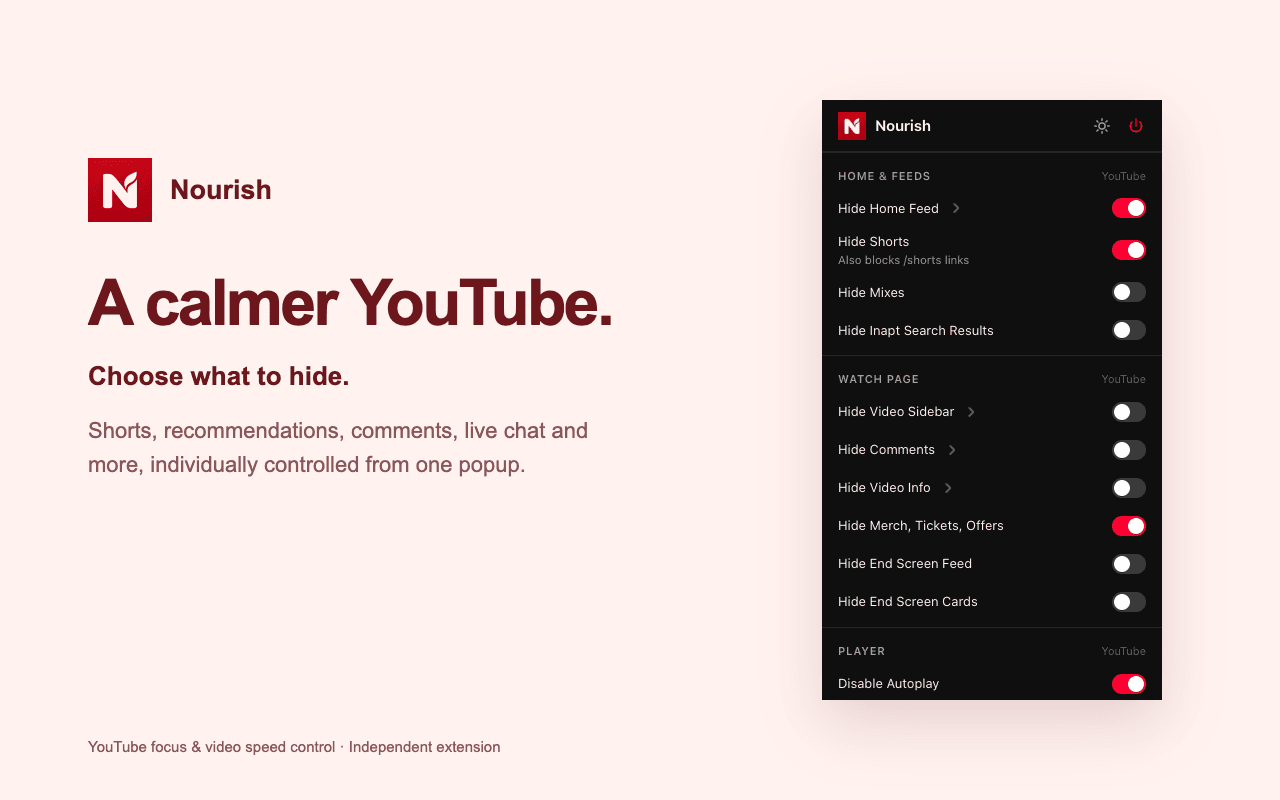
Hide Shorts, the home feed, recommendations, comments and more. Choose what stays, and turn off autoplay.
Your pace.
At your fingertips.
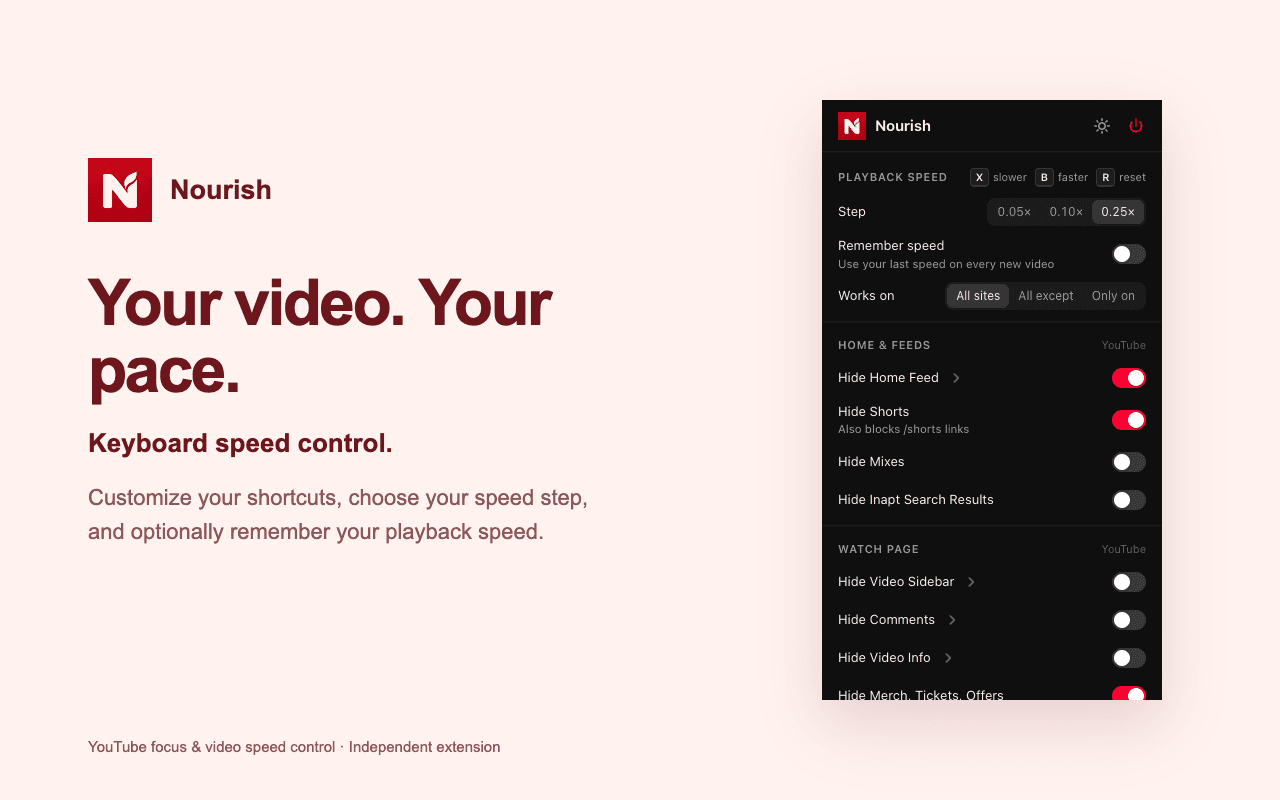
Press B to speed up, V to slow down, and R to reset. Change the shortcuts and increments to suit you.
Small controls.
A calmer browser.
Use a light or dark popup. YouTube works automatically. Enable other sites when you need them. Pause everything with one switch.
A little less in your way.
YouTube controls and video speed settings, right in your toolbar.
Open a video. Make it yours.
Once installed, reload your open video tabs and choose your preferences in the toolbar popup. YouTube hiding controls work on YouTube. Speed shortcuts work automatically on YouTube. For another site, enter its domain in the popup, click Enable, accept the browser permission prompt and reload its video tabs. Embedded players may also need their own domain enabled.
Some custom players and protected browser pages cannot be controlled.